ChannelGuru Telegram Bot: The Complete Guide to Automating Your Channel
If you run a Telegram channel, you already know the tedious part isn't the content — it's everything around it. Approving join requests one by one, writing welcome messages by hand, and blasting announcements manually while praying Telegram doesn't rate-limit you. The ChannelGuru Telegram bot exists to take all of that off your plate.
Built by Weego as a Telegram Channel Management and Member Engagement automation suite, ChannelGuru runs on high-performance webhooks and a Python/aiogram engine under the hood. In plain terms: it's designed to react to what's happening in your channel instantly, not on a delay. Here's exactly what it does and how to set it up.
What Does ChannelGuru Actually Do?
At its core, ChannelGuru automates the two most repetitive jobs of running a private Telegram channel: approving new members and greeting them.
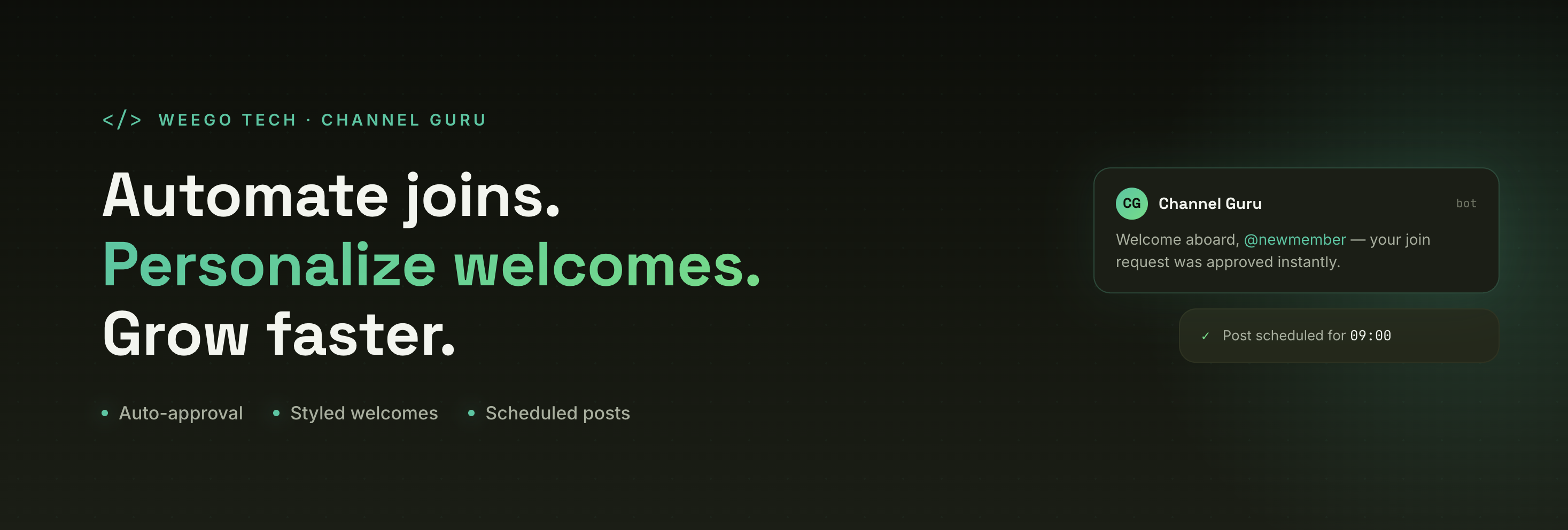
When someone clicks your channel's join link, Telegram sends a join request instead of an instant add (if you have approval mode turned on). ChannelGuru intercepts that request, approves it automatically, and immediately sends the new subscriber a personalized greeting in their private chat — all within the same moment they clicked "join." That speed matters: capturing someone's attention while their interest is at its peak converts far better than making them wait for a human admin to notice the request.

The Core Features Dashboard
ChannelGuru's feature set breaks down into six main tools:
- Instant Auto-Approvals — processes join requests the moment they come in, via webhook, with no manual review needed
- Personalized Greetings — send a default welcome or design a fully custom one with styled text, images, and inline buttons
- Rich Button Attacher — attach up to 5 clickable URL or username buttons to any channel post
- Scheduled Publishing — build rich-media posts and queue them for automatic dispatch
- Targeted Broadcast Engine — send mass announcements to your saved subscriber list using multi-threaded background delivery
- White-Label Custom Bots — run the entire system under your own bot identity instead of the shared @ChannelGuruBot
How Do You Set Up ChannelGuru?
Getting Channel Guru running takes a handful of steps, and Weego says it's designed to take under three minutes:
- Start the bot. Search for @ChannelGuruBot in Telegram and hit Start to bring up the control keyboard.
- Make it an admin. Add the bot as an Administrator in your channel with two permissions switched on: Post Messages and Invite Users via Link. Skip the second one and the bot can't register join approvals at all.
- Link your channel. Tap Add Channel in the bot menu, then forward any post from your channel to the bot. This is how it grabs your channel's Chat ID and confirms you actually own it.
- Set your greeting. Choose the built-in Default greeting, or send your own custom text, image, or file to use as the welcome message. Once saved, the bot confirms the channel is registered.
Miss the admin permissions step and the bot will flag it directly rather than failing silently, so it's hard to get this wrong by accident.

How Do Auto-Approvals Actually Work Behind the Scenes?
This is the part that separates ChannelGuru from a bot that just "approves people eventually." It listens for Telegram's join request event in real time and runs through a five-step pipeline: intercept the request, approve it instantly, check whether the channel is registered to an admin, save the subscriber's profile, and dispatch the welcome message.
Every approved subscriber gets logged to a database — including their Telegram ID, the channel they joined, and who owns that channel — which is what makes the broadcast feature (below) possible later. Interestingly, even if a channel isn't registered yet when someone tries to join through it, the bot still approves them and quietly logs them in a holding table, so no subscriber gets lost to a configuration gap.
What Greeting Options Are Available?
You're not stuck with a generic "Welcome!" message. ChannelGuru supports three greeting formats:
Type How it works What it supports Default Built-in template Simple text greeting with the user's name Custom Text Stored in your settings Markdown formatting, emojis, links, bold headers Rich-Media Bot copies your source post Images, video, GIFs, audio, and inline buttons One quirk worth knowing: custom greetings are pulled from the original message you sent the bot. If you delete that source message from your chat history with it later, the bot loses its reference and quietly falls back to the default greeting — so keep that message intact.
How Does the Button and Post Creator Work?
Posts with clickable buttons get noticeably more engagement than plain text, and ChannelGuru's Post Creator is built around that. You forward or send a post to the bot, then attach up to five inline buttons — each with its own label and either a Telegram username (like @WeegoTech) or a standard link. One limitation to know upfront: Telegram stickers can't carry inline buttons, so the bot will reject those specifically.
How Does the Broadcast Feature Handle Large Audiences?
Mass-messaging thousands of subscribers one by one can freeze a poorly built bot. ChannelGuru avoids that by running broadcasts on a separate background thread, so approvals and welcomes keep working normally while a campaign is going out. You can send to every subscriber across all your channels, or narrow it to just one specific channel's audience. The delivery thread also paces messages out with progressive delays to stay within Telegram's API rate limits — a detail that matters more than it sounds, since blasting too fast is a common way bots get temporarily blocked.
Can You White-Label ChannelGuru Under Your Own Bot?
Yes — and this is arguably the feature that separates casual users from serious channel operators. Instead of running everything through the shared @ChannelGuruBot, you can create your own bot via Telegram's @BotFather, grab its API token, and plug it into ChannelGuru's system. From that point on, your subscribers interact with your branded bot, not a shared one, while ChannelGuru's automation runs quietly underneath it. You can toggle any white-labeled bot on or off, or remove it entirely, from the My Bots menu at any time.
Is ChannelGuru Worth Using for Your Telegram Channel?
If you're still manually approving join requests, writing the same welcome message over and over, or hesitating to send a big announcement because you're not sure it'll go through, ChannelGuru is solving problems you already have. The setup is genuinely quick, the permissions it asks for are minimal and clearly explained, and the white-labeling option means you're not stuck looking like every other channel using the same shared bot.
The best way to know if it fits your workflow is to add it to one channel and watch what changes in a week — for most admins, it's the join-approval speed and the hands-off broadcasting that end up mattering most.