How to Forward Telegram Messages Without the 'Forwarded From' Tag
You found a post worth resharing, you forward it — and Telegram slaps a grey "Forwarded from" header on top, pointing your audience straight at someone else's channel.
If you want to forward Telegram messages without the "Forwarded from" tag, there are exactly four ways to do it, and only one of them survives past a dozen posts a day. This guide walks through all four: the built-in toggle most people miss, the copy-paste route, the Saved Messages trick, and the automated method channel owners actually use.
No jailbreaks, no shady APKs. All of it works on stock Telegram.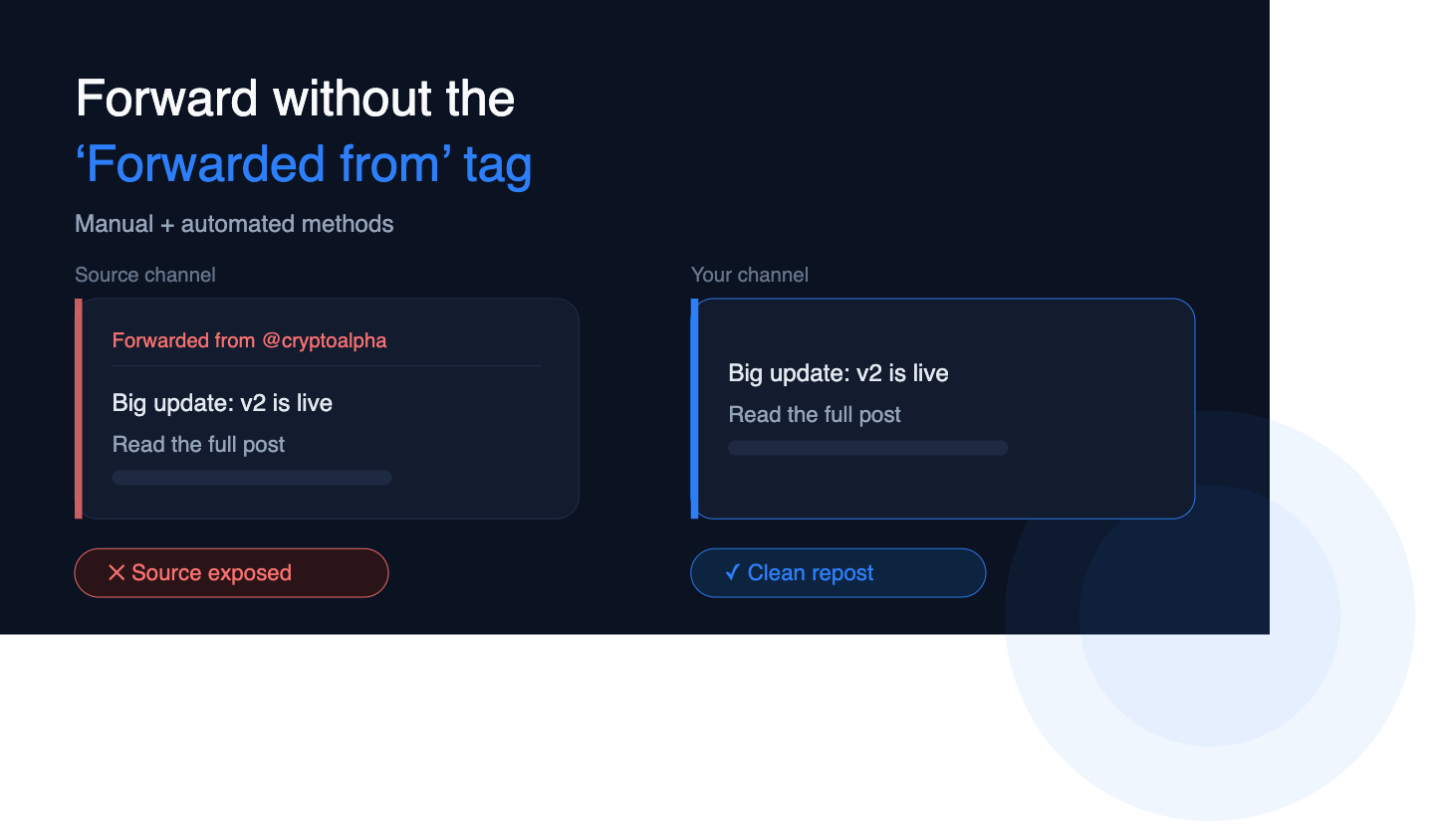
What is the "Forwarded from" tag, and why does Telegram add it?
When you forward anything on Telegram, the app attaches a header naming the original chat, channel, or user — usually a tappable link back to the source.
It exists for attribution. Telegram treats a forward as a pointer to the original message, not as a new message of your own. Forwards carry that attribution by design; to send content without it, the message has to be copied rather than forwarded. GramIO
That distinction — forward versus copy — is the whole article in one line. Everything below is a different way of making Telegram copy instead of forward.
Method 1: Hide the sender name (the built-in toggle)
Telegram has shipped this since version 8.0, and most users have never opened the panel where it lives. The update added options to hide sender names and strip captions from media when forwarding. Telegram
On Android and iOS:
- Long-press the message → tap Forward.
- Pick the destination chat or channel.
- Before you hit send, tap the forward preview bar above the message box (it reads "Forwarded from…").
- Choose Hide sender name. Optionally choose Remove caption for media.
- Send.
On Telegram Desktop:
- Right-click the message → Forward.
- Choose the destination.
- In the preview panel, click the forward options control.
- Untick Show sender's name, and untick Show caption if you want the media bare.
- Send.
Telegram's own tips describe this preview window as the place to hide sender names, drop captions, deselect messages, or switch the recipient. Telegram
The message lands clean — no header, no link back.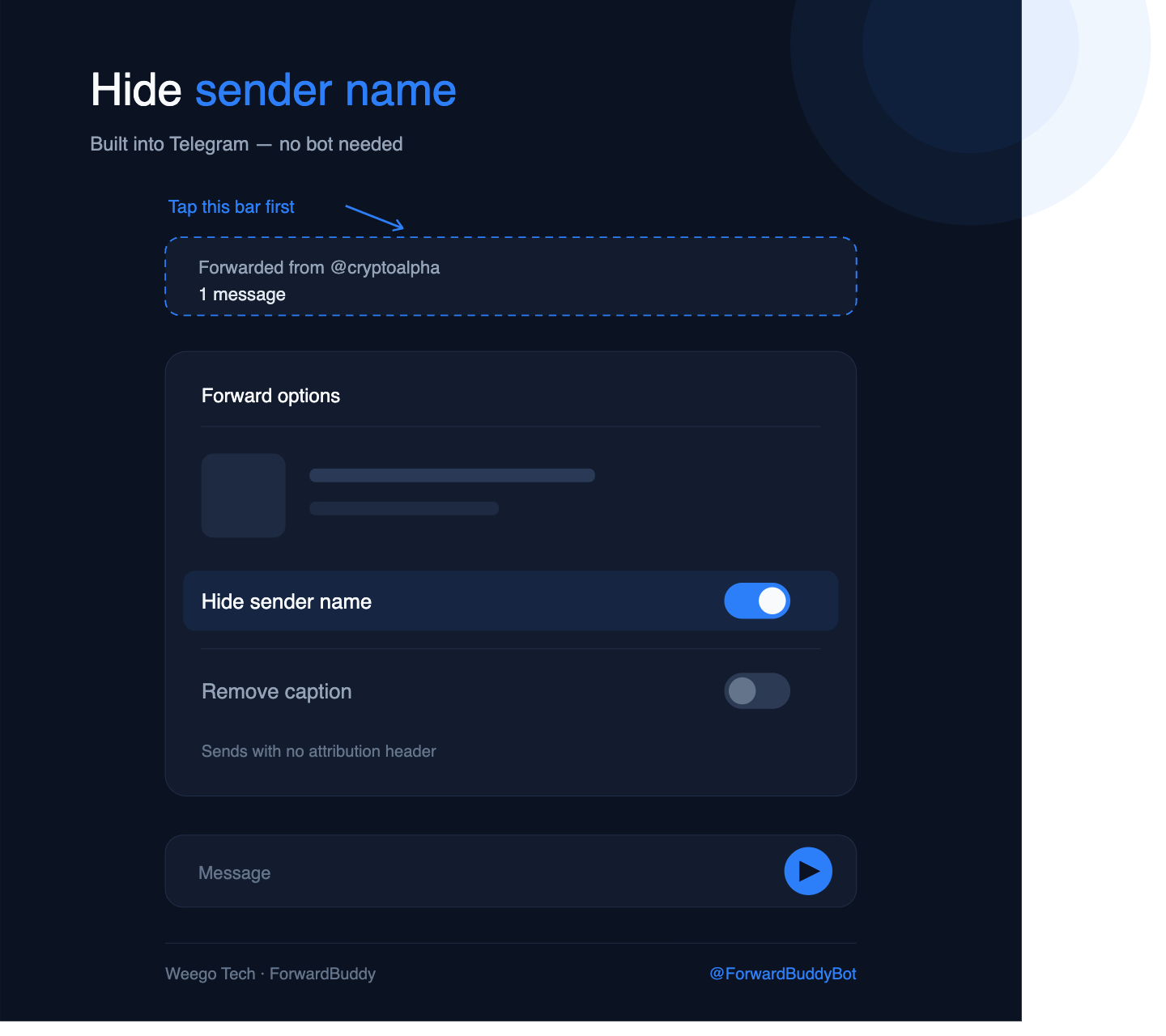
Where this method falls short
It's per-forward and manual. There's no default setting, no "always hide" switch. Every single message needs the same four taps, and the moment you're reposting twenty items a day the taps become the job.
Method 2: Copy the text and post it as your own
The blunt approach: long-press the message → Copy → paste it into your channel and send.
This gives you a true native message with zero trace of the source, and you can edit it before posting — trim the promo line, swap the referral link, add your own intro.
The costs are real, though:
- Media doesn't come along. Copy only grabs text. Photos, videos, and documents have to be downloaded and re-uploaded.
- Formatting can break. Bold, spoilers, custom emoji, and inline buttons frequently don't survive a paste.
- Albums fall apart. A ten-image group becomes ten separate uploads unless you regroup them manually.
Fine for one post. Painful for fifty.
Method 3: The Saved Messages round trip (for media)
This is the workaround for photos, videos, and files.
- Forward or download the media into Saved Messages.
- Download it to your device (or save it to your Telegram folder).
- Re-upload it into your channel as a fresh post.
- Type your own caption.
Because you're uploading a new file, Telegram has nothing to attribute — it's your message end to end. Sending a file you downloaded first, rather than forwarding it, produces the same clean result as hiding the sender name. Gadgets To Use
The tradeoff is bandwidth and time. Large videos mean a full download and a full re-upload every single time.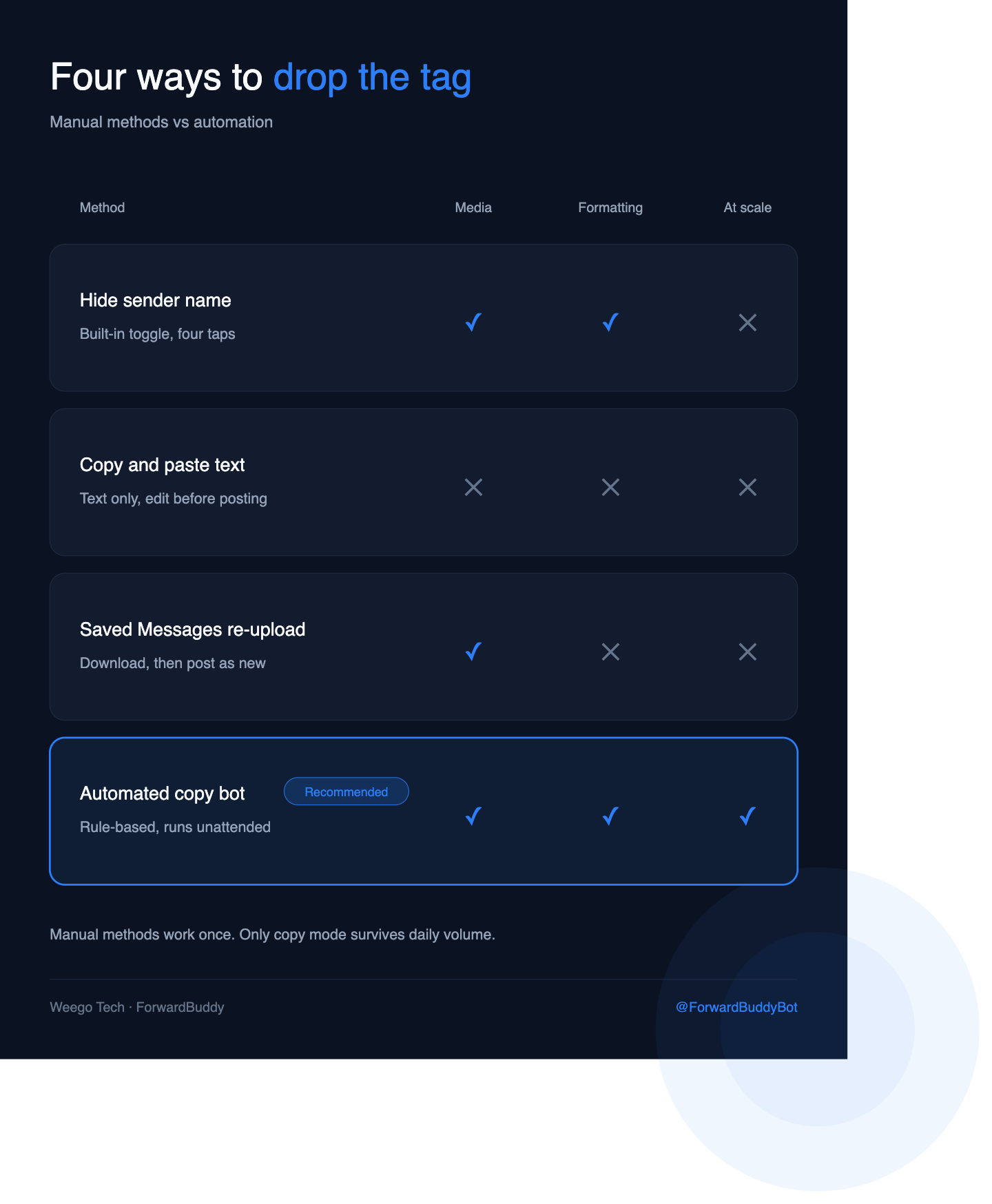
Why manual copying breaks the moment you scale
Do the arithmetic. Thirty reposts a day at roughly fifteen seconds each is fifteen minutes of tapping — assuming you're awake and holding your phone.
The failures compound past that:
- You can't be there at 3 a.m. Signal channels, deal channels, and news feeds post around the clock. Manual reposting means your channel is always minutes-to-hours behind.
- Edits don't propagate. If the source corrects a typo or updates a price, your copy stays wrong.
- Deletions don't propagate either. A retracted post lives on in your channel.
- One missed tap leaks the source. Forget the toggle once and the header goes out to every subscriber.
- Filtering is impossible by hand. Reposting only the messages that contain a keyword — or stripping the source's @handle from every caption — isn't something you do reliably at speed.
This is the point where "how do I hide the tag" quietly turns into "how do I automate this."
What "copy message instead of forward" means technically
Under the hood, Telegram exposes two different operations, and the difference is exactly the tag.
forwardMessage sends a pointer to the original and carries the attribution header. copyMessage recreates the content as a brand-new message. Telegram's Bot API documents copyMessage as the analogue of forwardMessage whose result carries no link back to the original. Telegram
A copy keeps the media, the caption, the formatting, and the album grouping — but it arrives as your post. That's the mechanism every clean-repost tool is built on, and it's an official method, not a loophole.
How to forward Telegram messages without the tag automatically
An auto-forwarding bot puts that copy operation on a rule. You point it at a source, point it at a destination, switch the mode from forward to copy, and it runs unattended.
Here's the setup with ForwardBuddy:
- Open the bot and start a new forwarding rule.
- Set the source — the channel, group, or chat you're pulling from.
- Set the destination — your own channel or group.
- Switch the mode to Copy instead of Forward. This is the setting that removes the "Forwarded from" header.
- Add filters if you want them — keyword include/exclude, media-type only, or skip-if-contains rules.
- Add text replacement to strip the source's @handle or swap their links for yours.
- Turn the rule on. New posts get copied within seconds, all day, whether or not you're online.
Set it once and the fifteen minutes a day goes to zero. Edit sync and delete sync mean your channel stays accurate rather than slowly drifting out of date.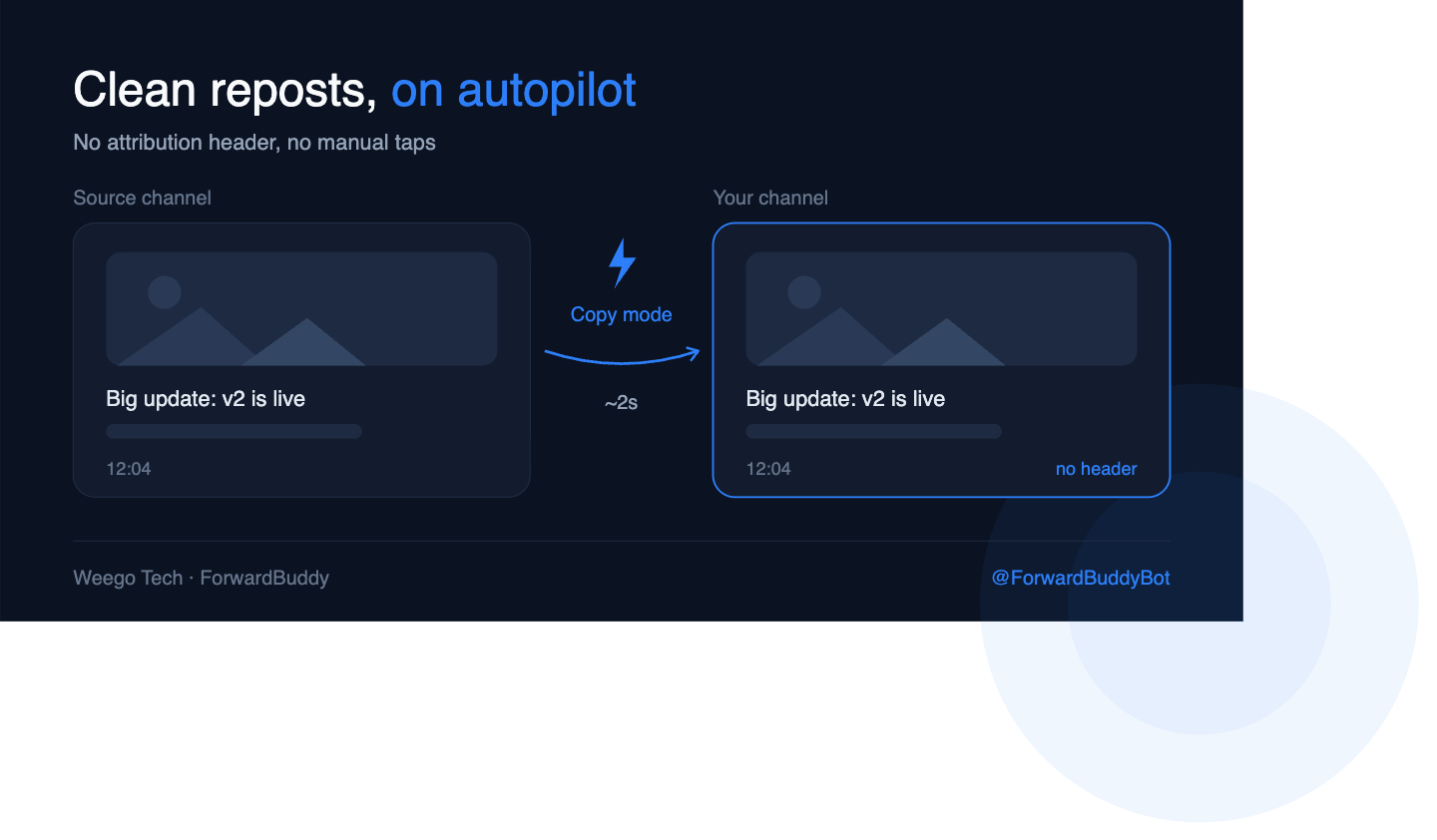
Trying it: ForwardBuddy's free tier covers 5 rules, which is enough to test a real source-to-destination pipeline before committing to anything. Full setup options are in the ForwardBuddy docs.
What you can't get around
Two honest limits, because most articles on this topic skip them.
Protected content is a hard stop. Channel and group owners can switch on Restrict Saving Content, which blocks forwarding, prevents screenshots, and disables saving media from posts. If a source has that enabled, no legitimate tool will repost from it — and anything advertising a "bypass" is asking you to hand your account credentials to a stranger. Don't. Telegram
Private channels need access. A bot can only copy from a chat it's actually in. If the source is private and won't add your bot, that source is off the table.
Should you remove the attribution at all?
Worth a straight answer, because the tag exists for a reason.
Stripping attribution is completely reasonable when the content is yours: mirroring your own main channel to a backup, syndicating your own posts across language-specific channels, feeding your own alerts into a client group, or moving your archive to a new channel after a rebrand.
It's a bad idea when the content isn't yours. Republishing someone else's work as your own invites reports, DMCA complaints, and — for public channels — takedowns. If you're reposting third-party content, the safer play is copy mode plus a credit line you control, which most tools can append automatically via text replacement.
The tool is neutral. The use case isn't.
Frequently asked questions
Can I remove the "Forwarded from" tag after sending?
No. Attribution is baked into the message at send time. Delete it and re-send using one of the methods above.
Does hiding the sender name notify the original poster?
No. Telegram doesn't alert anyone when their message is forwarded, hidden or otherwise.
Does the tag come back if the original is edited?
No — a copied message is independent. That's also why edits don't sync unless your tool explicitly supports edit sync.
Can I hide the source channel but keep the caption?
Yes. Hide sender name and remove caption are separate toggles; use one without the other.
Will a bot work on a channel I don't own?
Only if the bot can read it — meaning it's public, or an admin has added the bot. Ownership isn't required, access is.
Is this against Telegram's rules?
Copying content is a documented API operation. What can violate the rules is what you copy: spam, scams, or someone else's copyrighted work republished as yours.
The short version
For a one-off, use the built-in Hide sender name toggle — it takes four taps and costs nothing.
For anything recurring, manual reposting is a tax you pay every day forever. A bot in copy mode does the same job in seconds, catches the 3 a.m. posts, and keeps your channel in sync with the source.
If you're weighing tools, our comparison of the best Telegram auto forward bots breaks down the options honestly, and the full guide to auto-forwarding Telegram messages covers rules, filters, and multi-channel setups in depth.