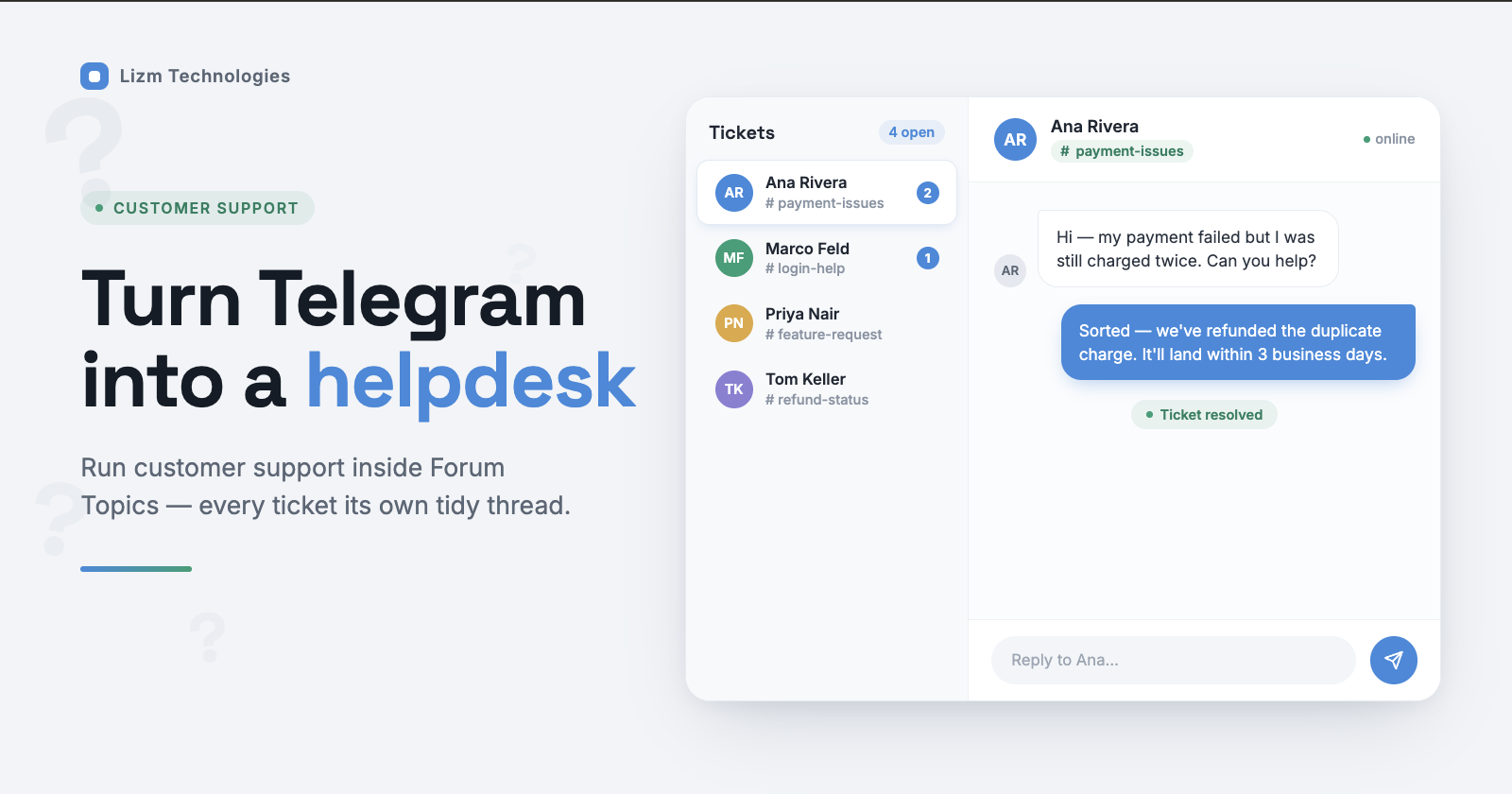
How to Run a Telegram Customer Support Desk Inside Forum Topics
Your customers already live inside Telegram — so why drag them to a clunky ticket portal they'll never open? Running Telegram customer support directly inside the app you both already use turns a noisy group chat into a tidy, thread-by-thread helpdesk. The secret ingredient has been hiding in plain sight: Forum Topics.
This guide shows you exactly how to turn Telegram's native Topics into a real support desk — one where every customer gets their own ticket thread, requests get routed cleanly, and your team answers faster, all without paying for a separate helpdesk platform.

Why run customer support inside Telegram?
Here's the uncomfortable truth about traditional helpdesks: most customers won't create an account, verify an email, and log in just to ask "where's my order?" Every extra step is a place they quietly give up.
Telegram removes that friction entirely. Your customer taps your bot, types their question, and they're in — no passwords, no portals, no waiting on hold.
For your team, the upside is just as real. Replies happen in real time, conversations stay searchable, and you're meeting people on a platform that already handles a billion-plus monthly users worldwide. For crypto, SaaS, gaming, and international audiences especially, Telegram is often the first place customers look for help.
The one historical downside was chaos. Pile a hundred customers into a single support group and you get a scrolling wall of overlapping questions where nothing can be tracked. That's precisely the problem Forum Topics solves.
How do you enable Forum Topics in a Telegram group?
Topics turn a flat group chat into a threaded forum, where each thread behaves like its own mini-chat with separate history, media, and notifications. Enabling them takes about thirty seconds.
Open your support group, tap the group name at the top, and choose Edit (or Manage Group). Scroll to Permissions and toggle Topics on. Telegram will convert the group into a supergroup automatically if it isn't one already.
Once enabled, Telegram creates a permanent General topic that acts as your catch-all thread. Every topic you add after that gets its own name, icon, and message stream.
One setting worth locking down straight away: keep topic creation restricted to admins (and your bot). You don't want customers spawning random threads — you want a clean structure that a new agent can read at a glance.

How to structure topics as ticket categories
There are two ways to map Topics onto a helpdesk, and the right one depends on your volume.
Model A — one topic per category. Create a handful of fixed threads that match how requests actually arrive: Billing & Payments, Technical Issues, Feature Requests, General Questions. Customers (or your bot) drop each query into the matching lane. This works beautifully for smaller teams and gives you an instant read on where volume clusters.
Model B — one topic per customer. Every person who contacts you gets a dedicated thread named after them, which becomes their living ticket. This is the model that scales, because each conversation stays fully isolated — no cross-talk, no lost context. It's also the model that support bots automate for you (more on that next).
Keep it lean. Three to five categories, or clean per-user threads — not twenty half-used lanes. The goal is that a brand-new agent understands the layout in two seconds. When one thread consistently goes quiet, merge or retire it.
Automating with a Telegram helpdesk bot
Manually copying messages between a customer's private chat and a group thread doesn't scale past your first few tickets. This is where a Telegram helpdesk bot earns its keep — it turns Forum Topics tickets into a genuine automated pipeline.
The flow is elegant. A customer messages your bot privately. The bot spins up a fresh Forum Topic in your support group, pins a little profile card with their name and ID, and mirrors their message into that thread. Your agent replies inside the topic, and the bot relays that answer straight back to the customer's private chat. Neither side ever leaves Telegram.
You have three realistic routes to this Telegram support automation:
• Build it yourself. Register a bot with @BotFather, then write the logic in Python (aiogram is a popular choice) backed by a small database to map users to topic IDs. Maximum control, but you own the hosting and maintenance.
• Deploy an open-source bot. Several community projects already implement the per-user Forum Topic pattern — clone, configure a .env file with your token and group ID, and self-host.
• Use a managed no-code service. Tools like Weego's SupportBuddy let you connect a BotFather token, bind your Topics-enabled group, and go live in under five minutes — no server to babysit.
Whichever route you pick, the bot needs to be an admin in your group with permission to Manage Topics, Pin Messages, and Post Messages. Skip those and ticket creation silently breaks.
 Cut ticket volume with a pinned FAQ
The fastest support ticket is the one that never gets opened. Before you optimize how you answer questions, quietly reduce how many arrive.
Create a dedicated FAQ topic and pin your five to ten most repeated questions there — refunds, delivery times, setup steps, reset instructions. Then pin a welcome message in General that links straight to it, so newcomers self-serve before they ever ping an agent.
Take it further with your bot's welcome message. Most helpdesk bots (SupportBuddy included) let you set a custom greeting with text, images, and inline buttons. Load that greeting with links to your FAQ and docs, so every new customer meets your best answers first.
Then keep it alive. Watch which questions keep surfacing in tickets and promote those answers into the pinned FAQ. Done consistently, a good FAQ can shave a real chunk off your incoming volume — freeing your team for the conversations that genuinely need a human.
Frequently asked questions
Do I need Telegram Premium or a paid group to use Topics? No. Any group admin can enable Topics for free, regardless of member count.
How many support agents can work a Telegram helpdesk? As many as you add to the group. Everyone with access can jump into any ticket thread — though it's worth setting light internal rules so two agents don't answer the same topic at once.
What happens if a customer edits their message? Behavior varies by bot. Some relay the edit; others (SupportBuddy, for example) notify agents but keep the original locked in the thread to preserve the record.
SupportBuddy vs Mava — which should I choose? They solve overlapping problems very differently.

Choose SupportBuddy if Telegram is your world and you want a clean, threaded desk without leaving the app. Choose Mava if you're supporting customers across Discord, web, and email too, and want AI resolving the repetitive stuff before a human steps in.
Your next step
You don't need enterprise software to run professional support — you need the app your customers already trust, structured well. Enable Topics, pick your ticket model, wire up a bot, and pin an FAQ that does the easy work for you.
Start small: turn on Topics today, create three category threads, and connect one bot. You'll have a working Telegram helpdesk before your next coffee goes cold.