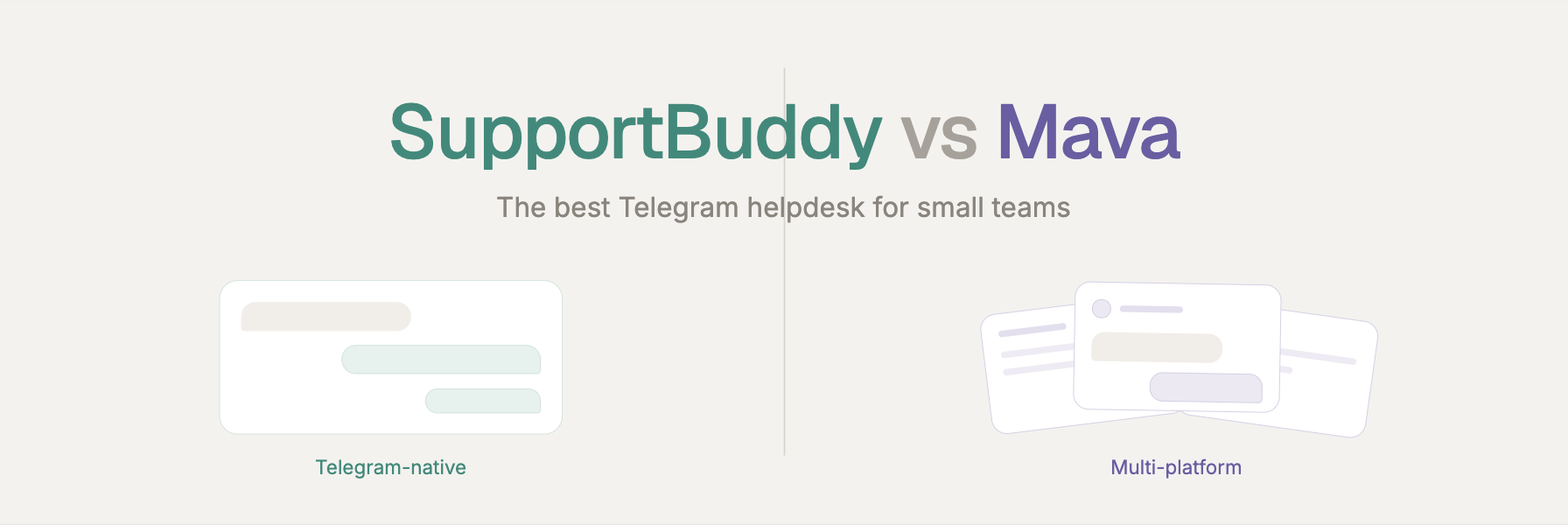
SupportBuddy vs Mava: The Best Telegram Helpdesk for Small Teams
Picture the moment your Telegram DMs stop being cute. Three customers ask the same question, two of them mid-sentence, and one of them is a spammer selling crypto. You scroll, you lose the thread, someone waits an hour for a "sorry, missed this!" That's the exact chaos a Telegram helpdesk is built to kill — and it's where SupportBuddy and Mava take two very different roads.
This is a head-to-head for small teams who live on Telegram. We'll compare how each tool turns messages into tickets, how long setup actually takes, what you pay, and — the part most reviews skip — who should honestly pick which. No fluff, no "it depends" cop-out. By the end you'll know which one fits your team.

What's the core difference between SupportBuddy and Mava?
Here's the whole article in one breath: SupportBuddy goes deep on Telegram; Mava goes wide across channels.
SupportBuddy is a Telegram-native helpdesk. It lives inside Telegram, turns each customer into a clean ticket thread, and never asks you to leave the app your customers already love. It does one thing and does it tightly.
Mava is a multi-platform support suite. It pulls Discord, Telegram, email, and a website web-chat widget into one shared dashboard, then layers GPT-4 AI on top to auto-answer repetitive questions. Mava consolidates support requests from Discord, Telegram, Slack, email, and web chat into a shared inbox.
Neither is "better" in a vacuum. The question is whether you need a specialist or a Swiss Army knife — and small Telegram-first teams almost always over-buy the knife.
Telegram-native vs multi-platform: which do you actually need?
There's a quiet cost to "supports everything." Every extra channel a tool serves is a feature you pay for, learn, and maintain — even the ones you'll never switch on.
Mava is genuinely powerful if your community sprawls across Discord and Telegram and email. Crypto, Web3, and gaming teams love it for exactly that reason. Its AI trains on your docs and can deflect a big chunk of repetitive questions before a human ever sees them.
But if your customers only reach you on Telegram, most of that surface area is dead weight. You're logging into a separate dashboard to answer messages that started and could just as easily end inside Telegram itself.
SupportBuddy makes the opposite bet. Your agents never leave Telegram. Replies happen in a Telegram group; customers get answers in their normal chat window. Nothing to context-switch into. For a lean team, staying in one familiar app is a real productivity win, not a limitation.

How does ticketing with Forum Topics work?
This is SupportBuddy's clever bit, and it's worth slowing down for.
When a customer messages your bot, SupportBuddy spins up a dedicated Forum Topic thread inside your central support group — one isolated thread per customer. No more ten conversations bleeding into one messy group chat. Each ticket gets its own lane.
At the top of every thread, the bot pins a user card with the person's name, handle, and Telegram ID, so any agent picking up the ticket has instant context. Whatever the customer sends — text, photo, file, voice note, sticker, video — is mirrored into that thread in real time, and whatever the agent types flows straight back to the customer's private chat.
Moderation is one tap: hit 🚫 Ban User on the pinned card, or type /ban inside the thread, and a spammer is gone. It's ticketing that feels native because it is native — built on Telegram's own Topics feature rather than bolted on from outside.
Mava handles ticketing too, but through its external shared inbox. That's the trade: a richer cross-channel view versus SupportBuddy's zero-friction, everything-stays-in-Telegram threads.
Setup and BYOB: how fast can you go live?
Small teams don't have a "tooling week." Setup speed matters, and so does who owns the bot.
SupportBuddy uses a bring-your-own-bot (BYOB) model. You create a bot with Telegram's official @BotFather, paste the token into Weego's master bot (@WeegoSupportBot), flip on Topics in your support group, add your bot as an admin, and link it. The docs put this at under five minutes. Crucially, the bot is yours — your logo, your name, your branding — hosted through secure BotFather webhooks. You can even host multiple bots from one setup.
Mava also gets you live quickly and supports custom Telegram bot branding, so this isn't a knockout for either side. The real difference is philosophical: SupportBuddy hands you a self-owned bot inside Telegram; Mava routes you into a managed dashboard that becomes your home base across channels.
If you value owning the bot and never leaving Telegram, BYOB is a genuinely nice model. If you want one console to rule several platforms, Mava's approach makes more sense.
Pricing: which Telegram helpdesk is cheaper for a small team?
Let's talk money, honestly.
Mava's pricing is public and volume-based. Mava offers a free Starter plan with 100 support requests per month, with paid plans starting at $83/month billed annually for up to 6,000 yearly requests, a Diamond tier at $166/month, and a Whale tier at $499/month. Team size is unlimited on all plans, and pricing scales with support-request volume. The free tier is a legitimately good way to test the waters, but the features small teams tend to want often sit behind the paid plans — and costs climb with your ticket volume. ColdIQ
SupportBuddy's pricing isn't published in its documentation, so I won't invent numbers.
 What I can say is that the model is structurally lean: you run your own free BotFather bot, and the tool wraps ticketing, broadcasting, and moderation around it — there's no per-channel bloat you're paying to carry.
The honest takeaway: if your volume is modest and Telegram-only, a focused tool usually costs less than a platform priced for multi-channel scale. Verify current numbers on both sides before you commit.
Who should pick SupportBuddy, and who should pick Mava?
No hedging — here's the straight call.
Pick SupportBuddy if you're a small team whose customers are on Telegram, full stop. You want ticketing that lives inside Telegram, a bot you own and brand, one-tap moderation, and a built-in broadcast engine to message your users — without a second dashboard or features you'll never use. Lean beats broad here.
Pick Mava if you support a community spread across Discord, Telegram, email, and a website, and you want GPT-4 AI trained on your docs to auto-deflect repetitive questions across all of them. For a genuinely multi-channel, higher-volume operation, that breadth earns its keep.
Most "which Telegram helpdesk" searches, though, come from teams in the first camp who assume they need the second. If Telegram is your channel, a Telegram-native tool is the natural fit — and a strong Mava alternative when the multi-platform suite is more than you need.
The bottom line
The best Telegram helpdesk for your small team is the one that matches your actual footprint. Mava is the wide, AI-powered, multi-channel platform. SupportBuddy is the focused, Telegram-native specialist that keeps your whole workflow — tickets, replies, moderation, broadcasts — inside the app you and your customers already use.
Ready to see the native approach in action? Skim the SupportBuddy docs, spin up a bot with @BotFather, and you can be taking real tickets in about five minutes.